Naven
Naven
Parental controls come in three kinds. Device controls, such as Apple's Screen Time or Google's Family Link, limit apps, time and purchases on a phone or tablet. App controls are settings inside one service: who can message the child, what content they see, and what a linked parent can view. Monitoring software copies a child's activity, sometimes including messages, to the parent.
The trade-off is between seeing more and being trusted. Controls a child understands, and that show a parent patterns rather than every word, tend to keep a child using the service the parent can see.
Where Naven stands
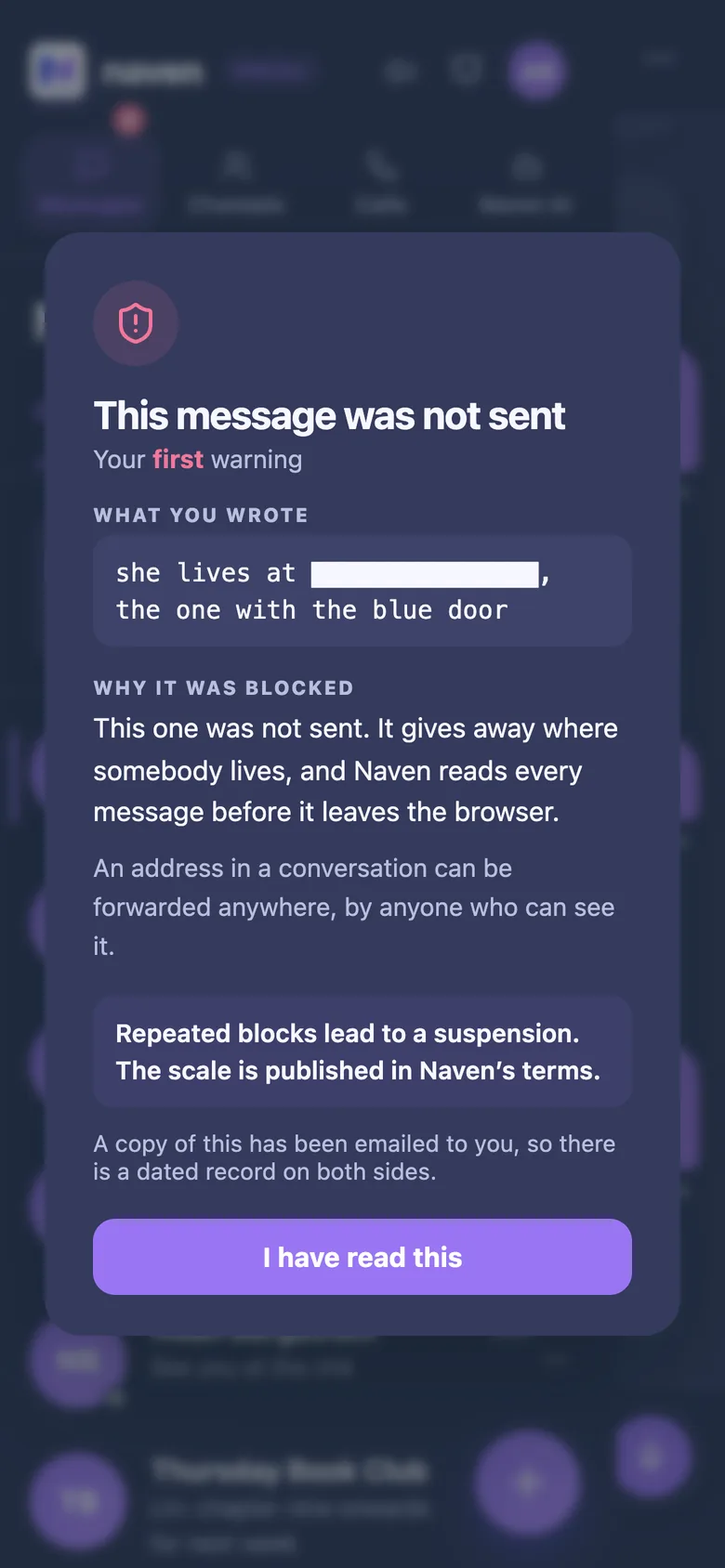
Naven's parent controls show who a child talks to, when, how long they use Naven and which safety categories were stopped — never what anybody wrote, and never a contact's email address. They sit behind a PIN, and a parent can pause or delete the account from them. For 13 to 17, a parent or guardian agrees to the terms; under 13, an account cannot send anything until a parent's consent is verified.