
A study group needs four things: one place everyone reads, a way to agree when to meet, a way to share notes and files, and something that keeps the session about studying.
The first one is where most groups fail. One person has no phone number to share, another can only use a school Chromebook, and a third will not install another app. Whatever the group picks has to reach all of them, or the chat splits into two.
The usual options
- Discord: servers with voice channels suit large groups and long sessions. It is for people 13 and over, and how safe it feels depends on each server's moderators.
- WhatsApp or iMessage: good when everyone already has a phone and is happy to share their number with the group.
- Google Chat or Microsoft Teams: right for school-run groups, on school accounts.
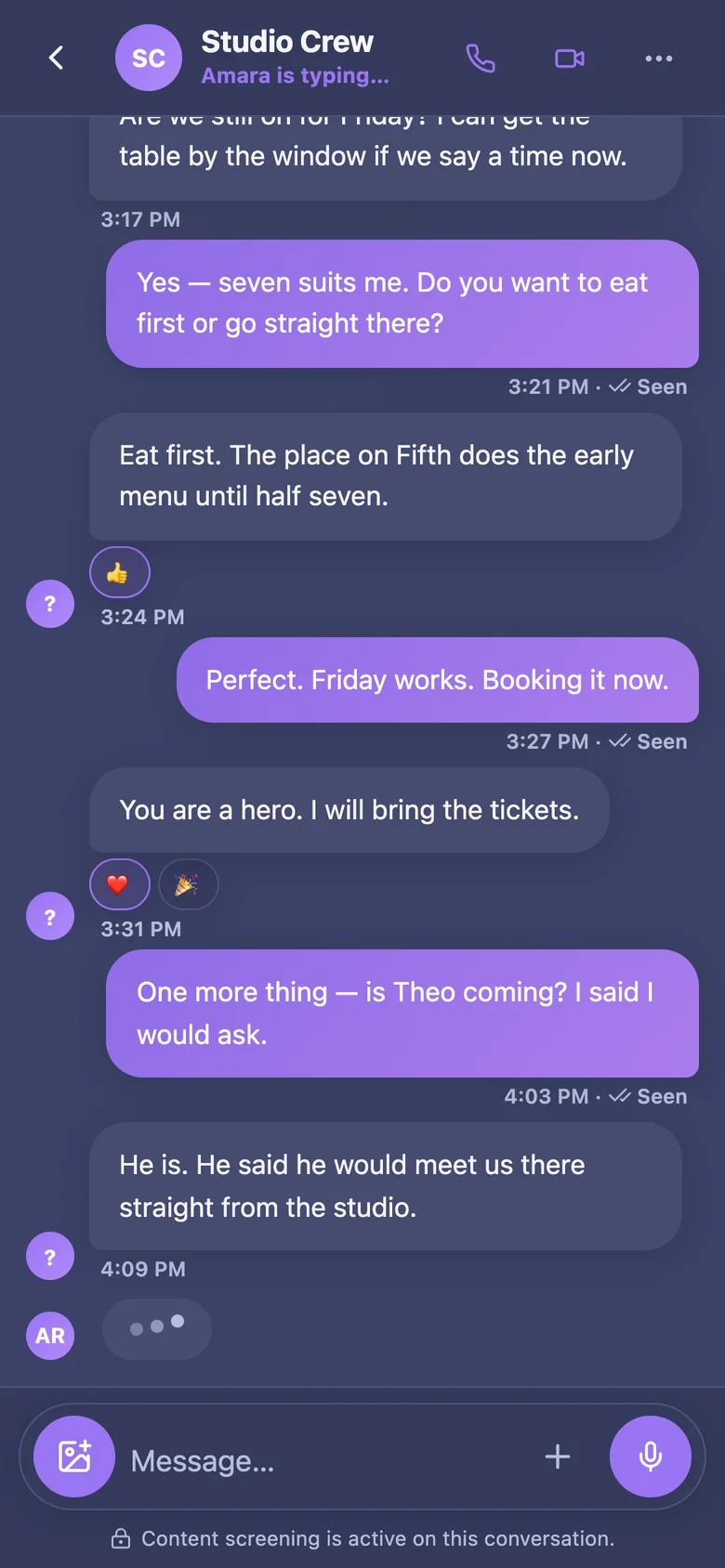
- Naven: works in any web browser, including a school Chromebook, signs people up with an email address, and screens every message before it is sent.
Study tools built into Naven
- Focus together: one shared timer for the whole conversation, from 5 minutes to 3 hours. Everyone who joins sees the same countdown, and the finished session shows who stayed to the end.
- Find a time: offer a few times and everyone ticks the ones they can make. Each person sees them in their own time zone, and whoever asked turns the time most people can make into an event in the chat.
- Files and pictures in the conversation, so notes and photos of the whiteboard stay in one place.
How to keep a study group going
Agree on a regular time rather than finding one each week. Start each session with what everyone will work on. Use focused blocks with short breaks; 25 minutes on and 5 off is a common rhythm. And end with what each person will bring next time.
More questions
Is there a group chat app with a study timer?
Yes. In Naven, Focus together starts one timer for the conversation. Anyone in it can join, everyone sees the same countdown, and only the person who started it can end it early.
Can a study group work without phone numbers?
Yes. Naven and Discord both sign people up with an email address, so a group can include someone without a phone, or someone who would rather not share their number.