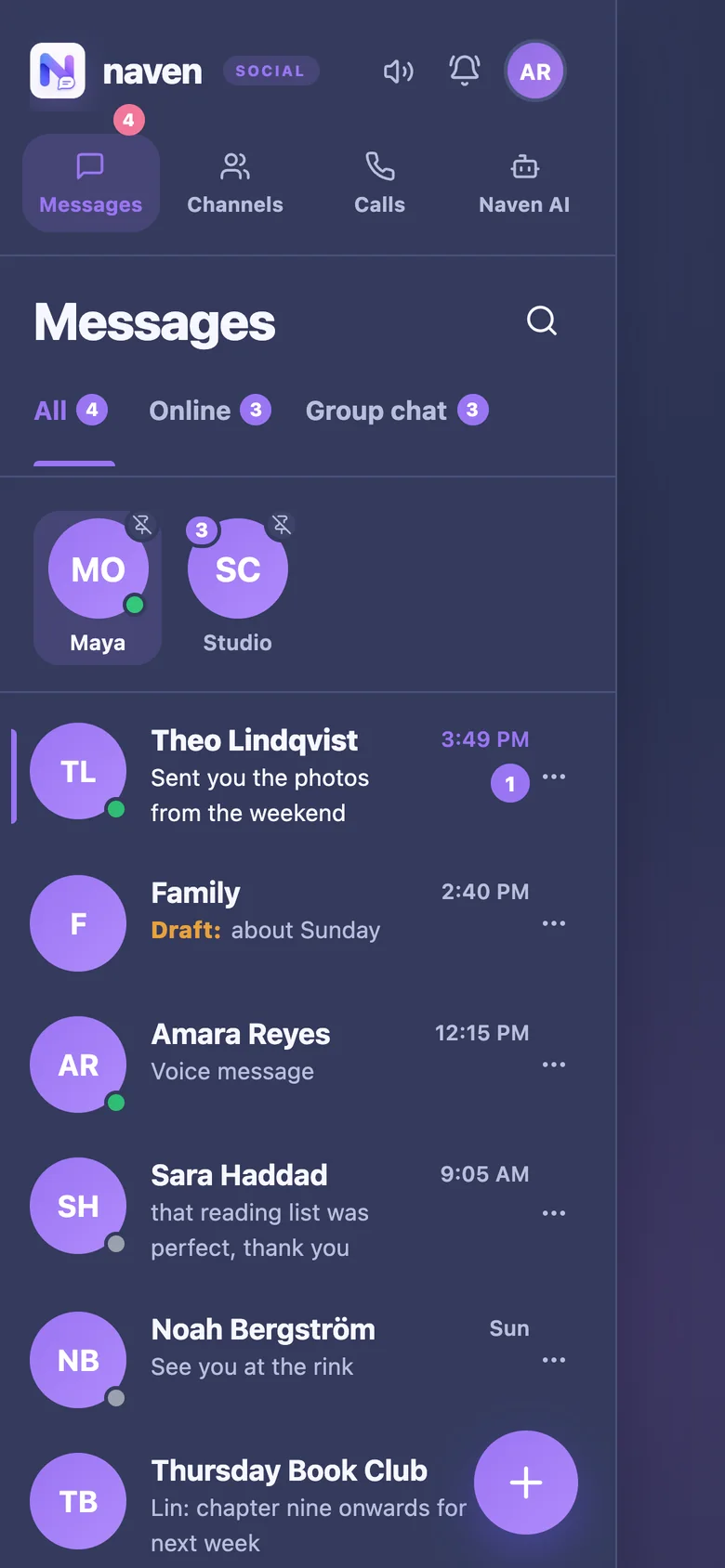
A progressive web app (PWA) is a website that can behave like an installed app: it gets an icon on your home screen, opens in its own window without the browser's address bar, can work partly offline, and can receive push notifications. You install it from the browser rather than from an app store.
How to install one. On an iPhone or iPad, open the site in Safari, tap Share, then Add to Home Screen. On Android, Chrome usually offers "Install app" or "Add to Home screen" in its menu. On a computer, Chrome and Edge show an install icon in the address bar.
Why it matters. A PWA updates itself every time it is opened, with nothing to download from a store. It takes almost no storage. It works on devices where app stores are locked, such as many school and work devices. On iPhones and iPads, adding a site to the Home Screen is what allows it to send notifications at all, since iOS 16.4.
The limits: a PWA cannot do everything a native app can, and installation is less familiar to people used to app stores.
Where Naven stands
Naven is a progressive web app. Adding it to your Home Screen gives it its own icon and window, and on an iPhone or iPad it is what makes notifications work when Naven is closed.