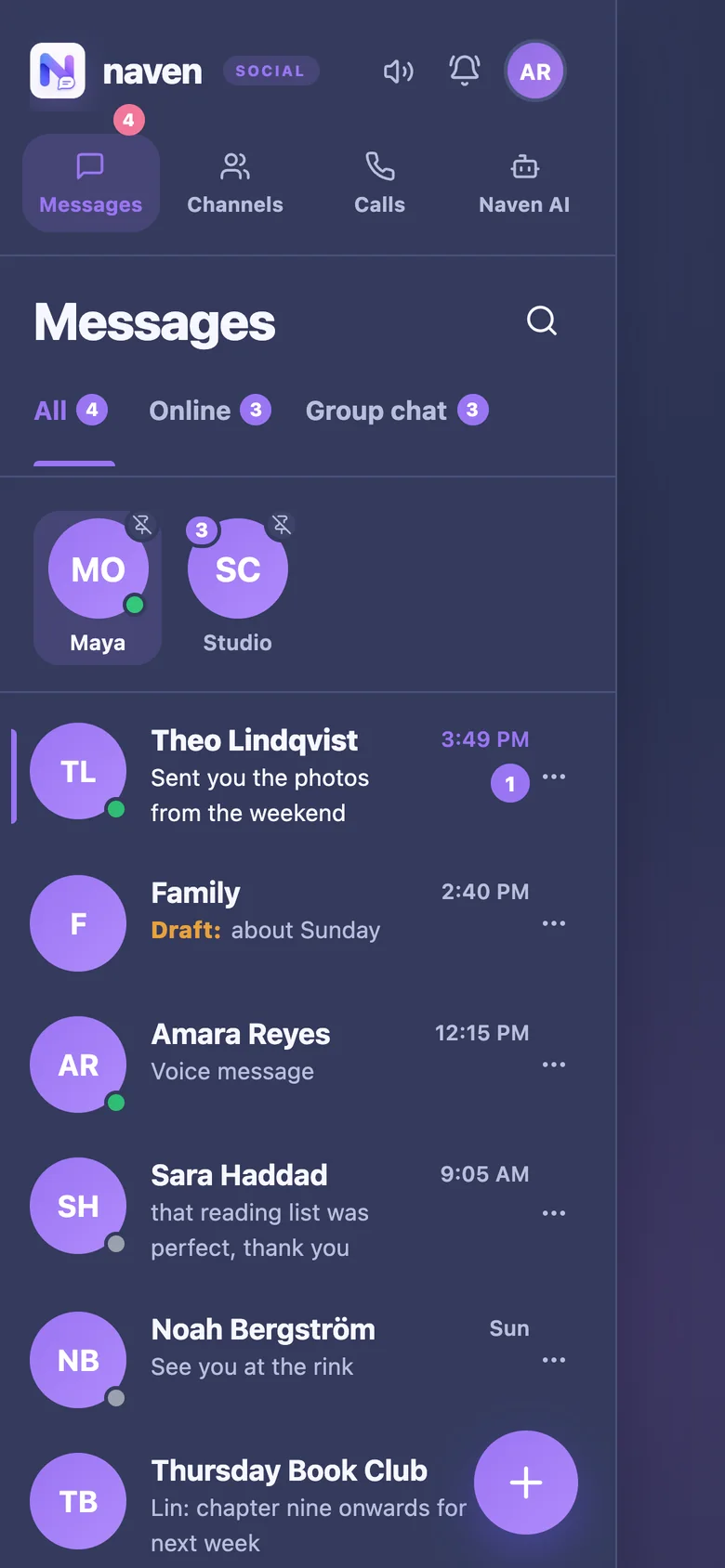
A push notification is a message a service sends to your device that appears even when the app or website is closed: a banner, a sound, a badge on an icon. On phones, notifications travel through Apple's or Google's push service. In browsers, each browser maker runs one, which is how a website can notify you after you have closed its tab.
A website must ask your permission before it can send notifications, and you can change your answer at any time in the browser's site settings or your phone's notification settings. The best time for a site to ask is when you have a reason to say yes, not the moment the page loads.
When notifications do not arrive, check the app's own notification setting, the system setting for that app or browser, Do Not Disturb or Focus modes, battery-saving settings that stop background activity, and, for websites on an iPhone, whether the site has been added to the Home Screen.
What notifications show matters for privacy too: a preview of the message content can be read on a locked screen by anybody holding the phone.
Where Naven stands
Naven asks for notification permission in Settings rather than on arrival. Its notifications name who a message is from rather than showing what it says, and Naven can also email you when a message has waited a while.