No-install messaging means a messenger that runs entirely in a web browser: you open a page, sign in, and talk, with nothing downloaded from an app store. It is the same idea as using Gmail in a browser instead of a mail app.
Who it helps: anybody on a device they cannot install software on (school Chromebooks, work laptops, library and shared computers), people with little storage left, people who do not want another app, and families where one person has an old tablet and another has the newest phone. It also means everybody is always on the latest version.
What it gives up: a browser tab can be closed and forgotten, and background notifications need the site to be allowed to send them (on iPhones, the site must be added to the Home Screen). Some features that need deep access to the phone, such as reading your contacts, are not available, which many people consider a benefit.
Web apps have caught up with native apps for most messaging: they can make voice and video calls through WebRTC, send photos and voice notes, work partly offline, and appear on the Home Screen with their own icon.
Where Naven stands
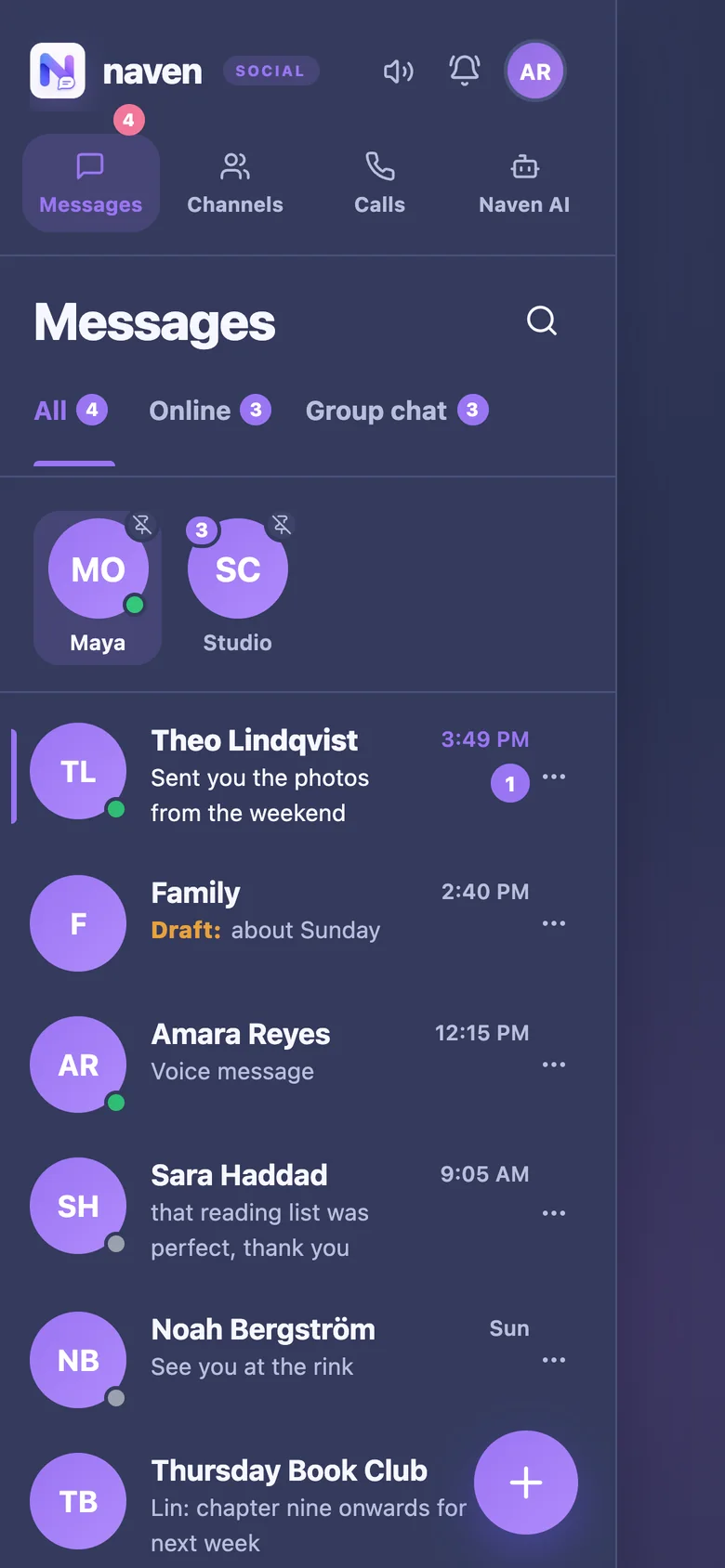
Naven is entirely a web app, which is why it works on a school Chromebook, a library computer and a borrowed phone. Adding it to the Home Screen makes it behave like an installed app, with notifications.