A full messenger that runs in a browser tab
The web client is not a companion to a phone app. There is no phone app — the browser is the product.
By Naven · Updated
Who this is for
People on work laptops, school Chromebooks, borrowed computers, or phones with no storage left.
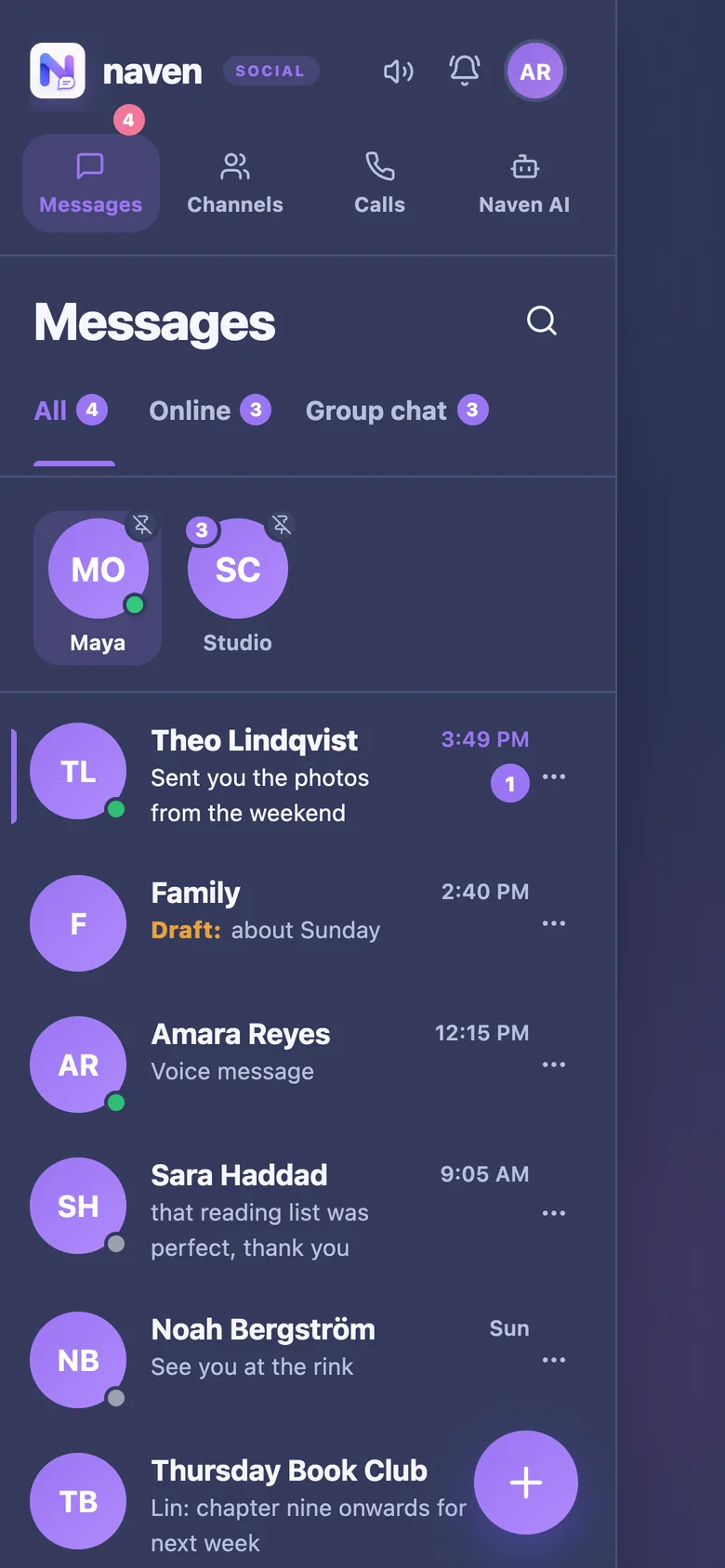 What it looks like in Naven: a screenshot of the app.
The problem
Every messenger wants an app, an app store account, and 200MB. On a managed or borrowed device, that is simply not possible.
How Naven handles it
- Messaging, group chats, channels, voice calls and video calls all run in the browser — not a cut-down web version, the whole product.
- Installable as a PWA if you want an icon, but never required.
- Nothing to update, nothing to sideload, no store account.
- Works on Windows, macOS, Linux, ChromeOS, iOS and Android with the same URL.
What it costs
Nothing. Naven is free, with no advertising, no paid tier and no data sale. There is no card, no trial and no phone number.
Other use cases: Family group chat · Teen messaging parents can live with · Schools and libraries · Friends and family abroad · Clubs and small communities · Messaging without a phone number · Communities without an algorithmic feed · A private mode for your organisation · Organising without a phone number · A team chat parents can join · Client chat without your personal number · Practising a language with someone abroad · Coordinating care for a relative · A study group that works on school devices · A volunteer rota that people read · A group for new parents · A house chat that survives people moving out · A chat for a one-off event · Messaging for a small charity · Tutor and student messaging